Don’t Forget to Select a Convenience Store Branch for Pickup

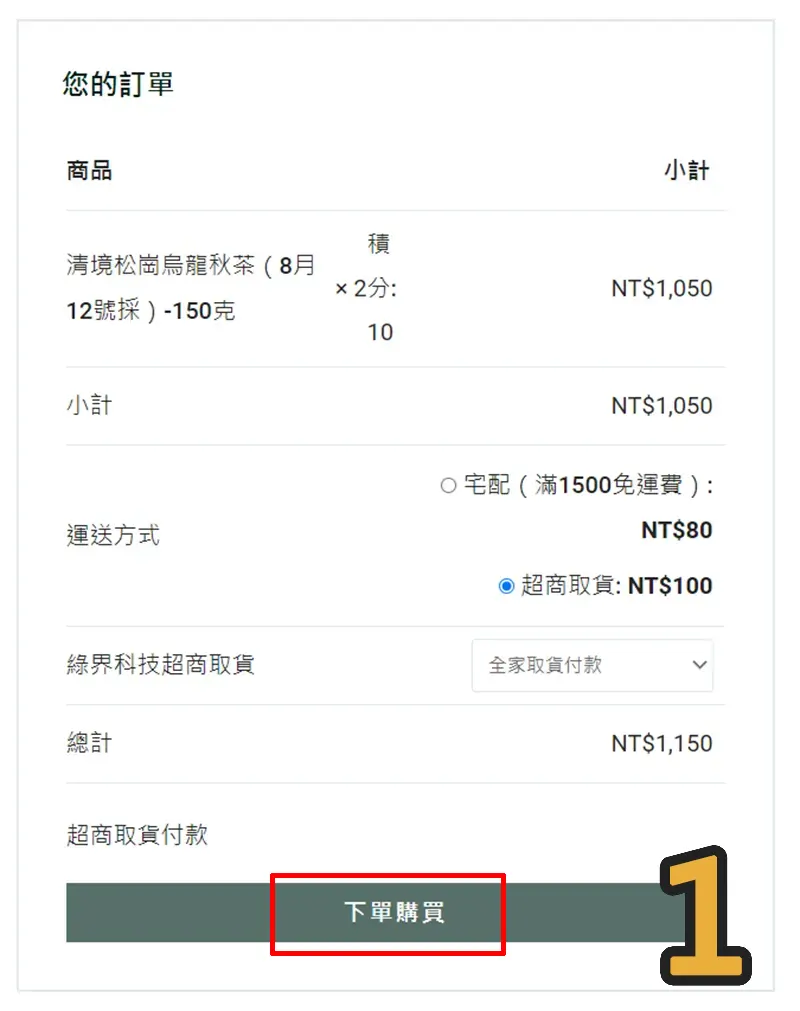
For tea lovers choosing convenience store pickup, please remember to select your store branch and wait for the data transfer to complete before closing your browser window! Many of our customers click “Place Order” (Figure 1) thinking their order is complete, only to forget they haven’t selected a store location yet.

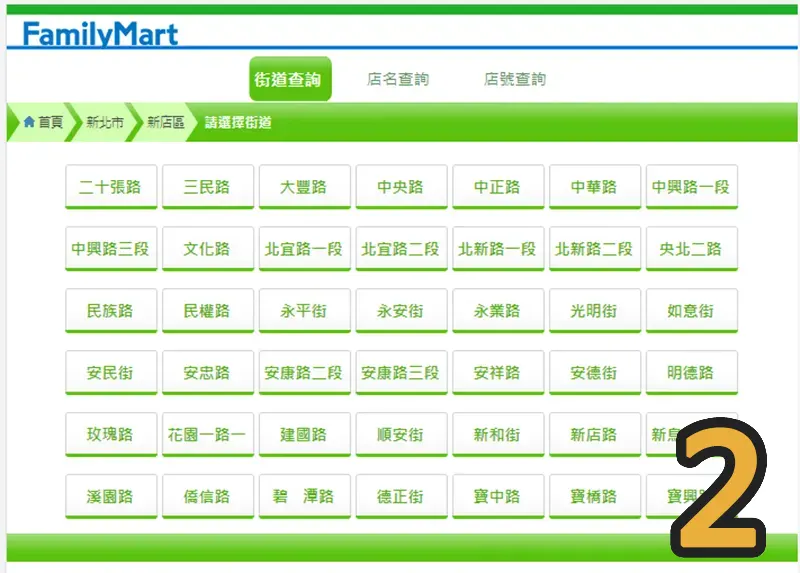
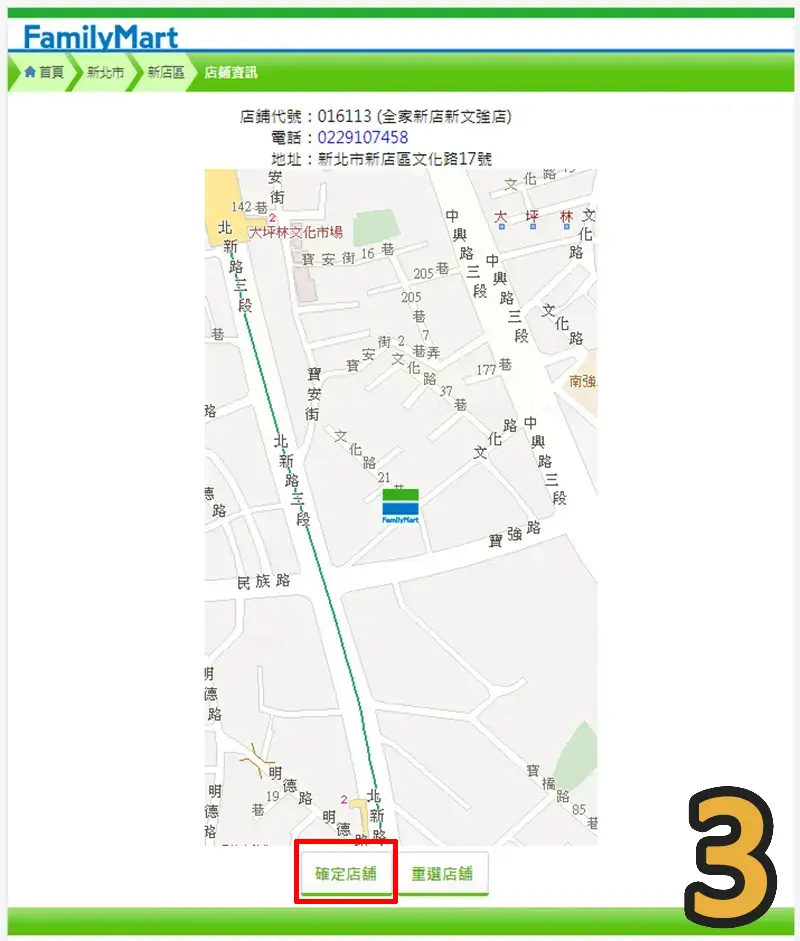
If you choose cash on delivery via convenience store pickup, you will need to select a store branch (Figure 2) after clicking place order. Once selected, click “Confirm Store” (Figure 3) so the system can successfully transmit your chosen store information.

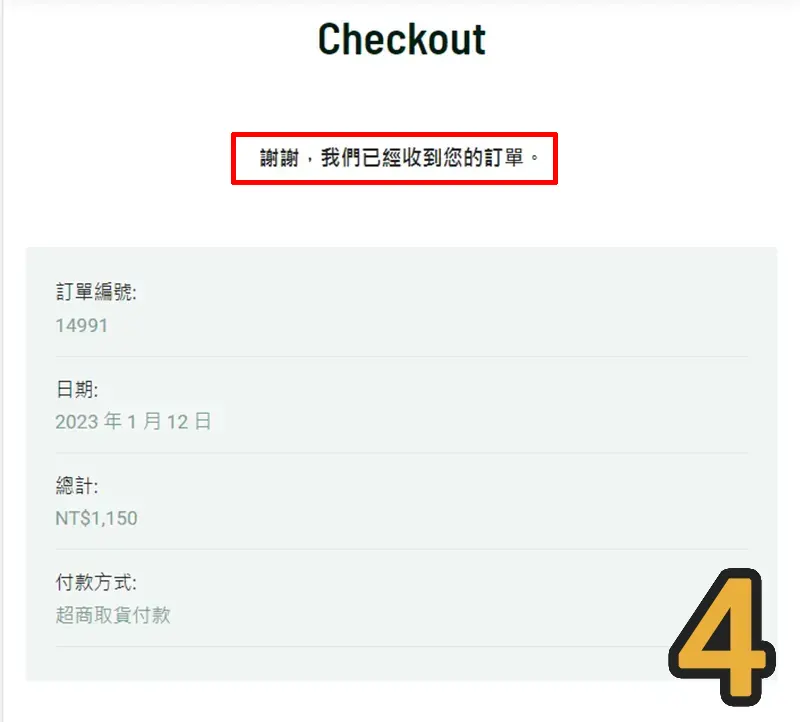
Finally, make sure you see the “Thank you, we have received your order” screen (Figure 4) to confirm your order has been successfully placed.

The above is the pick-up process for FamilyMart. 7-ELEVEN is very similar. The key point is that you must see the screen shown in Figure 4.

Shopping Cart